No official UltraViewer for Mac? Use independent MacViewer to connect to a Windows PC; learn the install steps, limits and safe access checks.
UltraViewer does not currently offer an official macOS app. If the other person uses UltraViewer on Windows, MacViewer is an independent Mac application that can connect using that computer's ID and session password. It is not made or endorsed by UltraViewer.
Is there an official UltraViewer for MacBook?
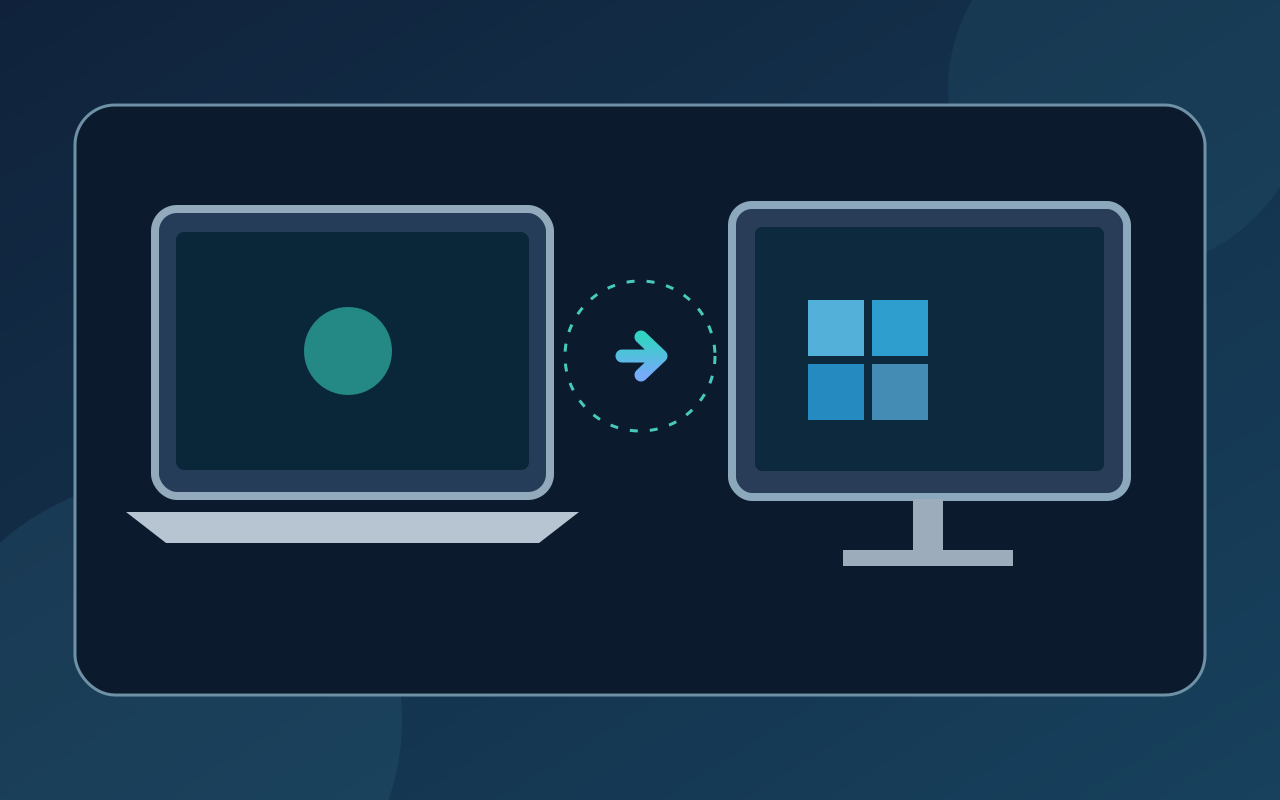
No. UltraViewer's own guidance says it currently offers a Windows application, not a macOS release. Avoid unknown installers claiming to be the official Mac version. MacViewer is a separate open-source project that can connect from macOS to a Windows PC using UltraViewer. It does not require a Windows .exe on your Mac.
Download and install MacViewer
- Visit the developer's GitHub releases and download the current DMG.
- Open it, move MacViewer to Applications and launch it. The project lists macOS 12 or later and supports Apple silicon and Intel Macs.
- If macOS warns you about opening the app, verify the download source and follow the project's instructions. Do not disable protection for an unknown file.
Connect from your Mac to a Windows PC
Ask the Windows user to open UltraViewer and send the current ID and session password privately. Enter those details in MacViewer and confirm you see the intended computer. Enable keyboard and mouse control only when needed. End the session when finished; never post access credentials publicly.
Connection failed? Check these first
Check the ID and password, both computers' network connections and whether UltraViewer remains open on Windows. Compare the installed versions. MacViewer's documentation says older UltraViewer versions have not all been tested, so universal compatibility is not guaranteed. If you can view but not interact, check whether control is enabled in your session.
Sharing your own Mac safely
MacViewer can also allow someone to access your Mac if you accept the request and grant macOS permissions. Screen Recording lets them view your display; Accessibility permits mouse and keyboard control. Share the session credentials only with someone you trust, approve the connection deliberately, and disconnect afterwards. The project does not currently promise unattended Mac access or microphone conversation.
A practical way to understand vibe coding
Kstudy uses purpose-built tools like MacViewer to illustrate the workflow: start with a real problem, describe the desired behavior to an AI coding assistant, test the result and fix what fails. AI assistance does not remove the need for security and product checks. If you read Vietnamese, see Kstudy's AI Vibe Coding course, which introduces building websites and apps with AI. The course is presented in Vietnamese, not English.
Frequently asked questions
Is MacViewer the official UltraViewer for Mac? No. It is an independent project designed to connect to a Windows PC running UltraViewer.
Do I need UltraViewer on both computers? No. In this setup, MacViewer runs on the Mac and UltraViewer on Windows.